Rooli Australia Guide
Rooli app and mobile access
Rooli Casino App and Mobile: Browser Install vs App Store Demo App
 Available in AU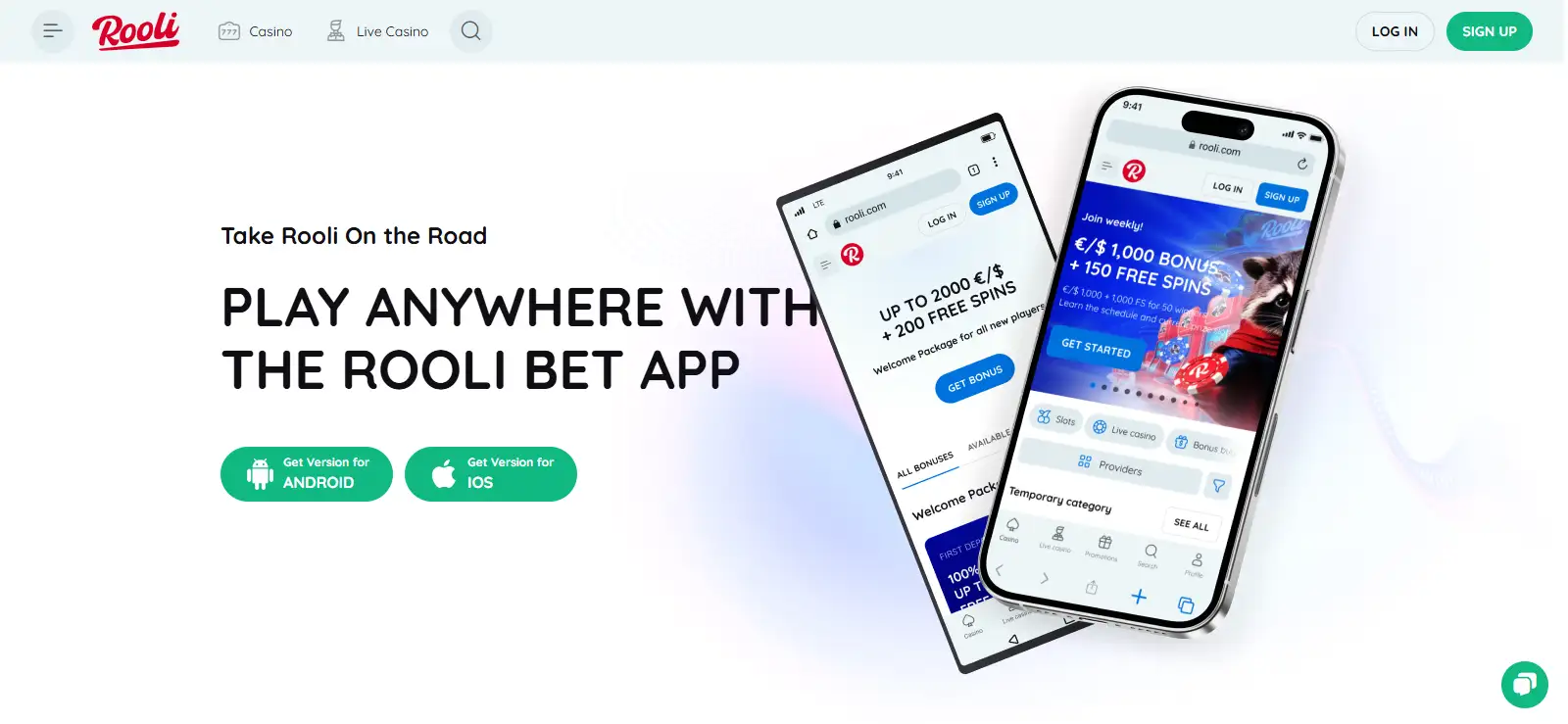
For real-money Rooli access on a phone, the official Rooli install page directs both Android and iPhone users to open the casino website in a browser and add it to the home screen. That is a web-app style install path, not evidence of a separate native real-money Android APK or iOS casino client. Australia also has an App Store listing called “Rooli Casino Rewards”, but the listing describes a social/demo casino with games for entertainment only and no real money involved. The two products should not be treated as the same thing. If you want the real-money Rooli service, the official browser/home-screen route is the relevant mobile path.
Mobile sources current
Real-money mobile route
Browser + Add to Home Screen
Android instructions
Official Rooli install page
iPhone instructions
Official Rooli install page
AU App Store listing
Rooli Casino Rewards
App Store scope
Social/demo, no real money
Official site: Add to Home Screen
Rooli publishes separate Android and iPhone instructions for installing the website from the browser.
AU App Store: Social/demo casino
The current listing says the games are for entertainment and involve no real money.
What is not verified: No native Android APK claim
Rooli’s official instructions support the browser install path rather than a separate native Android download.
Real-money mobile route
Table of Contents
- Rooli’s official install page uses the browser as the starting point
- The official Rooli install steps are simple and platform-specific
- Rooli Casino Rewards is an entertainment app, not the real-money Rooli casino client
- Use the mobile site for the same core casino categories, then check individual games
- Mobile access still uses the Rooli account, not a separate demo identity
- Four questions resolve most Rooli app confusion
- Rooli’s mobile instructions show exactly how the browser install works
- The current store listing explicitly describes demo play
- A browser install changes access convenience, not the underlying product
- Check the URL and product identity before treating any Rooli icon as the casino
- Start from the official site rather than an unverified download page
- No native Android APK, app-only bonus or push-notification promise is assumed
- Why Rooli’s browser install matters more than the App Store listing
Rooli’s official install page uses the browser as the starting point
Rooli’s current install page presents mobile access as a home-screen installation from the website. On Android, the instructions say to open the Rooli home page, use the browser menu, choose “Add to the Home Screen” and confirm the install. On iPhone, the process starts from the Rooli home page, uses the Share control, then selects “Add to Home Screen” and confirms with “Add”.
This matters because search results for “Rooli app” can make several different products look interchangeable. A home-screen web app can behave like an app shortcut while still being delivered through the browser. It does not prove that a standalone native casino binary exists in an app store or as an APK download. The official Rooli instructions are the strongest evidence for how the operator currently wants mobile users to install the real-money site.
For Australian readers, the practical choice is therefore straightforward: if the goal is the real-money Rooli account and casino, start from the official website in the phone browser and use the published home-screen steps. The Rooli registration covers account setup separately.
Browser install is not the same as a native store app
An icon on the home screen can launch a web app. The installation method should be identified by its source and instructions, not by whether the final icon looks app-like.
Android and iPhone
The official Rooli install steps are simple and platform-specific
| Platform | Official Rooli path | What that establishes |
|---|---|---|
| Android | Open Rooli in the browser, open the browser menu, choose Add to the Home Screen, confirm Install. | Rooli supports a browser/home-screen install flow. |
| iPhone | Open Rooli in the browser, tap Share, choose Add to Home Screen, confirm Add. | Rooli supports a browser/home-screen install flow on iOS. |
| AU App Store | Separate listing named Rooli Casino Rewards. | The listing is a social/demo casino product, not proof of the real-money client. |
The instructions do not require a claim about a downloadable Android APK, a Google Play real-money casino app or a native iOS real-money client. Those are different distribution models and should not be inferred from a home-screen installation page.
App Store ambiguity
Rooli Casino Rewards is an entertainment app, not the real-money Rooli casino client
The current Australian App Store listing for “Rooli Casino Rewards” describes a social casino experience built around demo slot games. Its description says the games are for entertainment purposes only and that no real money is involved. It also presents progression features such as challenges, achievements and activity tracking.
That makes the listing relevant to the “Rooli app” search, but not as a substitute for the real-money casino. A user who downloads the store app expecting the same account, cashier and wagering environment described on Rooli’s real-money website would be mixing two different products. The App Store presence should not be treated as proof of real-money mobile access.
Rooli website install: Real-money site access
Installation method: Browser to home screen
Rooli Casino Rewards: Social/demo app
Real money in store app: No
What you can do on mobile
Use the mobile site for the same core casino categories, then check individual games
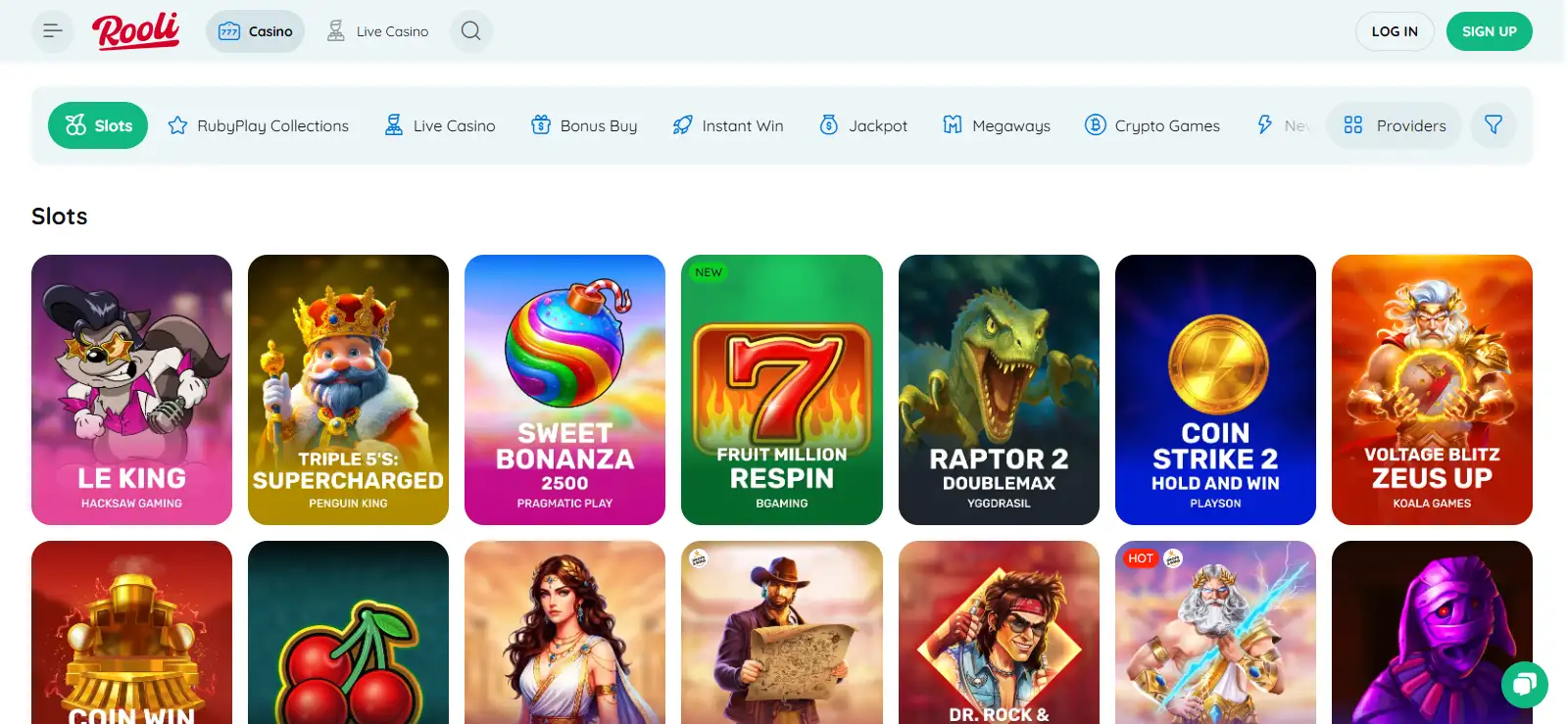
The Rooli website is the relevant access point for the casino catalogue described on the related game pages. The broader Rooli games covers the current lobby structure and providers rather than duplicating that catalogue here. On a phone, the useful test is not whether thousands of titles can be listed in an article, but whether the category and individual game you want loads cleanly in the browser.
Game availability can vary by provider, location and device, so a mobile page should not promise that every title visible on desktop will always appear on every phone. Open the live game lobby on the device you plan to use and verify the specific title there. That keeps the mobile claim tied to the actual product rather than to a static catalogue snapshot.
Account continuity
Mobile access still uses the Rooli account, not a separate demo identity
The real-money route begins at the Rooli website, where account registration and sign-in are handled. Adding the site to a phone’s home screen changes how you launch the site; it does not turn the App Store demo product into your casino account. If you are troubleshooting account creation or sign-in, use the dedicated account page rather than installing an unrelated store listing.
The distinction is particularly useful when a search result shows both the official install page and the App Store listing. The website route is about access to Rooli itself. The store listing is a separate entertainment application with demo content. Keeping those identities separate avoids confusion about balances, deposits, withdrawals and verification.
Choosing the right mobile route
Four questions resolve most Rooli app confusion
Do you want the real-money casino?
Use Rooli’s official website and its browser home-screen install instructions.
Are you looking at an App Store page?
Check the product description. The Australian Rooli Casino Rewards listing is a social/demo casino.
Are you on Android?
Follow the official browser menu and Add to Home Screen steps. Do not infer a native APK from the word “app”.
Do you need a specific game or account function?
Verify it on the live mobile site and use the dedicated games or account guide for the underlying feature.
Official install source
Rooli’s mobile instructions show exactly how the browser install works
The official Rooli install page was current. It provides separate Android and iPhone instructions, both beginning from the Rooli home page and ending with an Add to Home Screen action. That is the basis for describing the real-money mobile route as a browser/web-app style install.
Australian App Store source
The current store listing explicitly describes demo play
The Australian App Store listing for Rooli Casino Rewards was also recurrent. It describes demo slot games, entertainment use and no real money involvement, so it is separate from the real-money Rooli website.
What the home-screen route changes
A browser install changes access convenience, not the underlying product
Adding Rooli to the home screen gives you a direct launch icon and removes the need to type or search for the site each time. The important point is that the installation still originates from the official Rooli website. The casino content, account area and payment journey remain part of the web service rather than becoming a separate store-distributed real-money application.
That distinction is useful for troubleshooting. If a home-screen icon stops opening correctly, you can still return to the official website in the browser instead of looking for a replacement APK or assuming the App Store demo is the same service. Likewise, if a game does not load on one device, the right comparison is the live Rooli browser experience on that device, not the catalogue inside Rooli Casino Rewards.
For readers comparing mobile and desktop access, focus on the functions you actually need: sign-in, the game category you use, cashier access and readable account pages. No performance benchmark or speed advantage over a native app is stated because the available official information does not provide that comparison.
Launch: Home-screen shortcut
Source: Official Rooli website
Product type: Web-based casino access
Native performance claim: Not made
Before adding the icon
Check the URL and product identity before treating any Rooli icon as the casino
The safest identification step is simple: begin on the official Rooli website, then follow its own install instructions. That ties the home-screen icon to the correct web property. A search result, store listing or third-party download page can use similar branding while representing a different product or distribution route.
On iPhone, the separate Australian App Store listing should be read on its own terms. It is useful if you want the demo/social experience described by Apple, but its presence does not change the browser-based installation instructions published by Rooli for the real-money site.
Identity check
For real-money access, begin with Rooli’s official site. For the App Store product, read the listing description and confirm that you want a social/demo casino rather than assuming it is the account client.
Security habit
Start from the official site rather than an unverified download page
Because Rooli publishes its own installation instructions, there is little reason to rely on third-party APK repositories or download pages. An unverified file can be old, modified or simply unrelated to the casino. The official browser route also makes the product identity clearer: you are launching the Rooli website rather than installing a binary whose origin is uncertain.
What the mobile information supports
No native Android APK, app-only bonus or push-notification promise is assumed
The current information supports a home-screen install process and a separate social/demo iPhone listing. It does not establish a native Android APK for the real-money casino, real-money balance access through the demo App Store app, or mobile-only promotions in a native client.
The useful mobile distinction
Why Rooli’s browser install matters more than the App Store listing
For an Australian reader trying to reach the real-money Rooli service on a phone, the official browser install is the relevant path: open the site, add it to the home screen and use the Rooli account there. The Australian App Store result is still genuine, but its own description places it in a different category – social/demo casino entertainment with no real money involved. Keeping those two products separate gives a much clearer answer than simply saying “Rooli has an app” and leaving the type of app unexplained. For the wider product overview, see the Rooli Australia guide .
Written by the editors at Rooli Casino.